See it for yourself
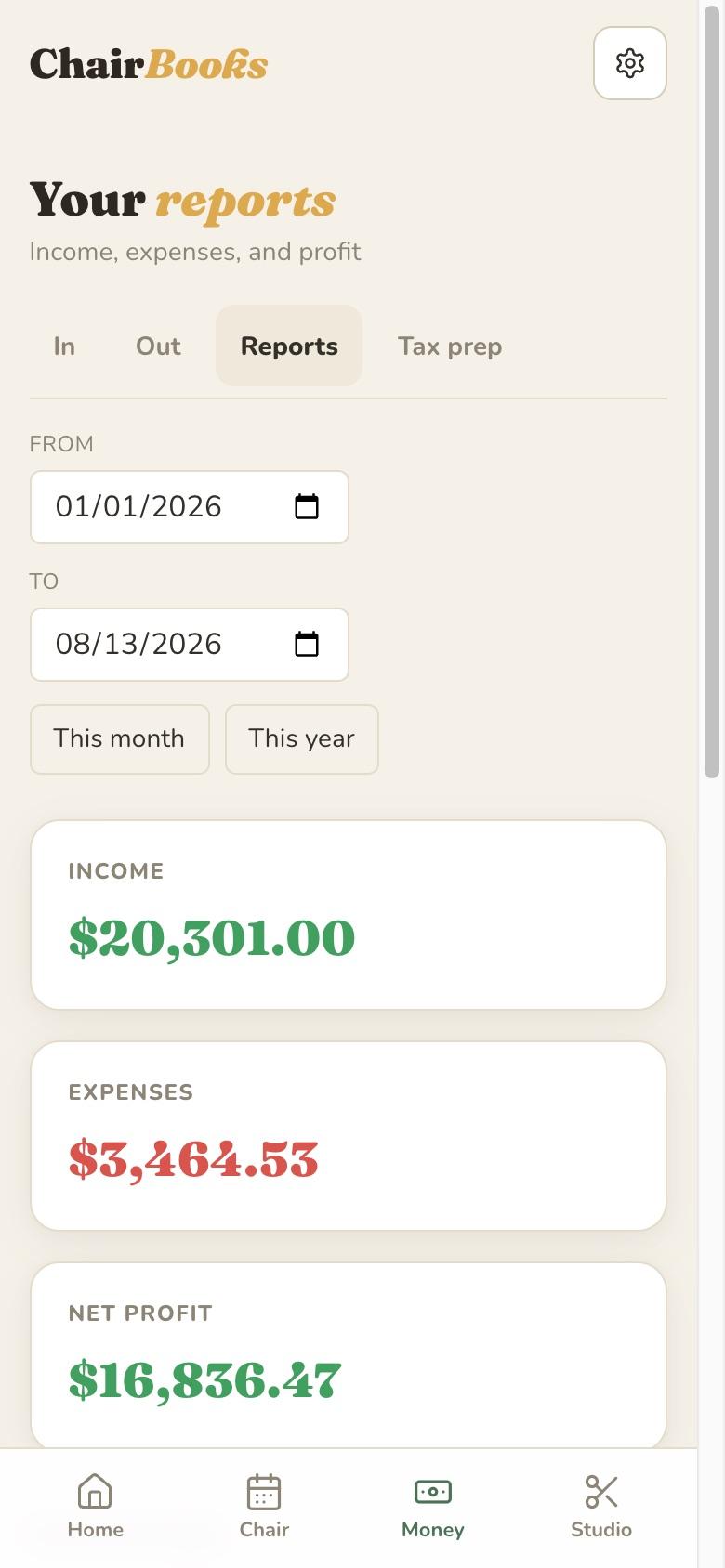
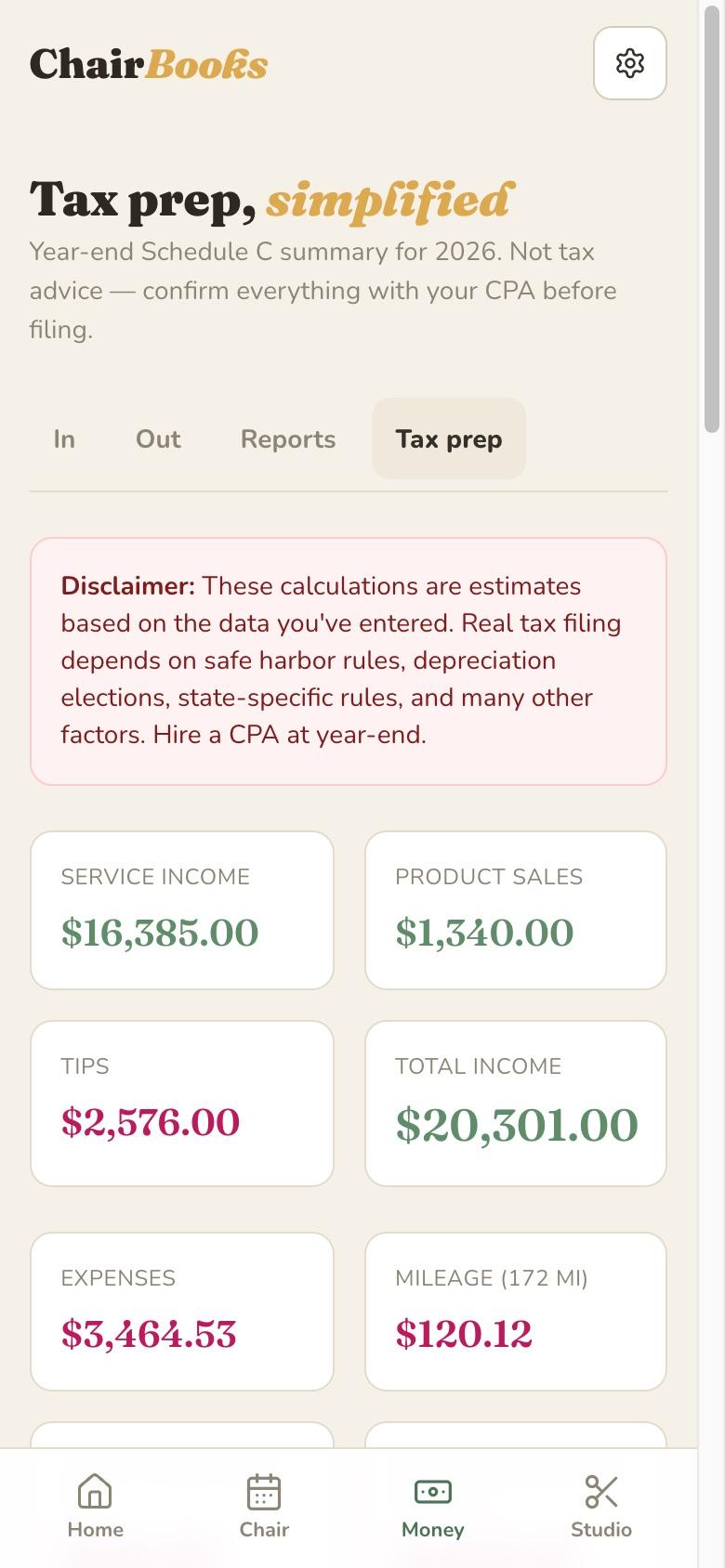
ChairBooks organizes your numbers for tax time. It isn't tax advice — bring the reports to your CPA.
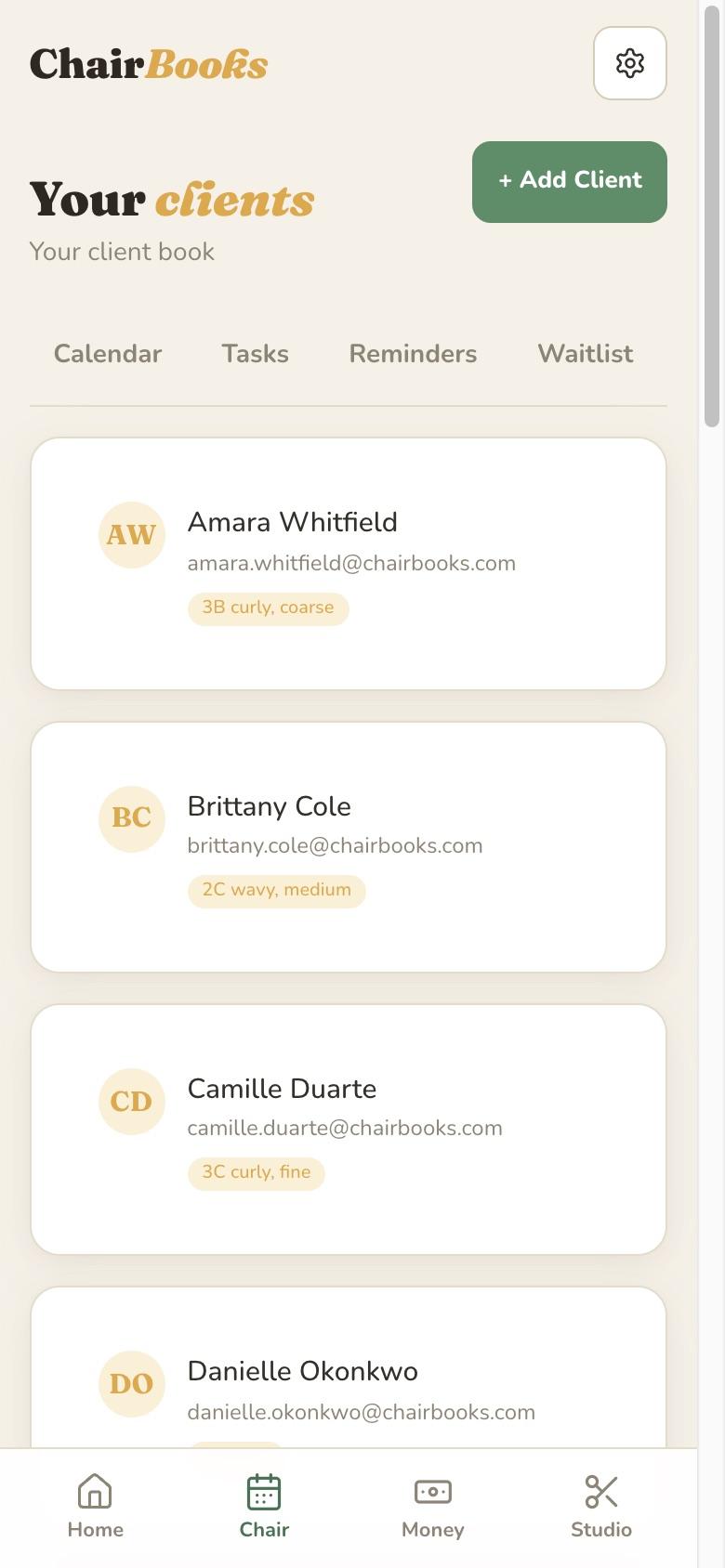
Your books panel, 1 of 4
And the rest of it
Automatic expense tracking from your bank — included.
Connect your bank or credit card and business spending imports itself. It's part of the one price.
Your bank or the credit card you spend on. Read-only, and you can disconnect it whenever you like.
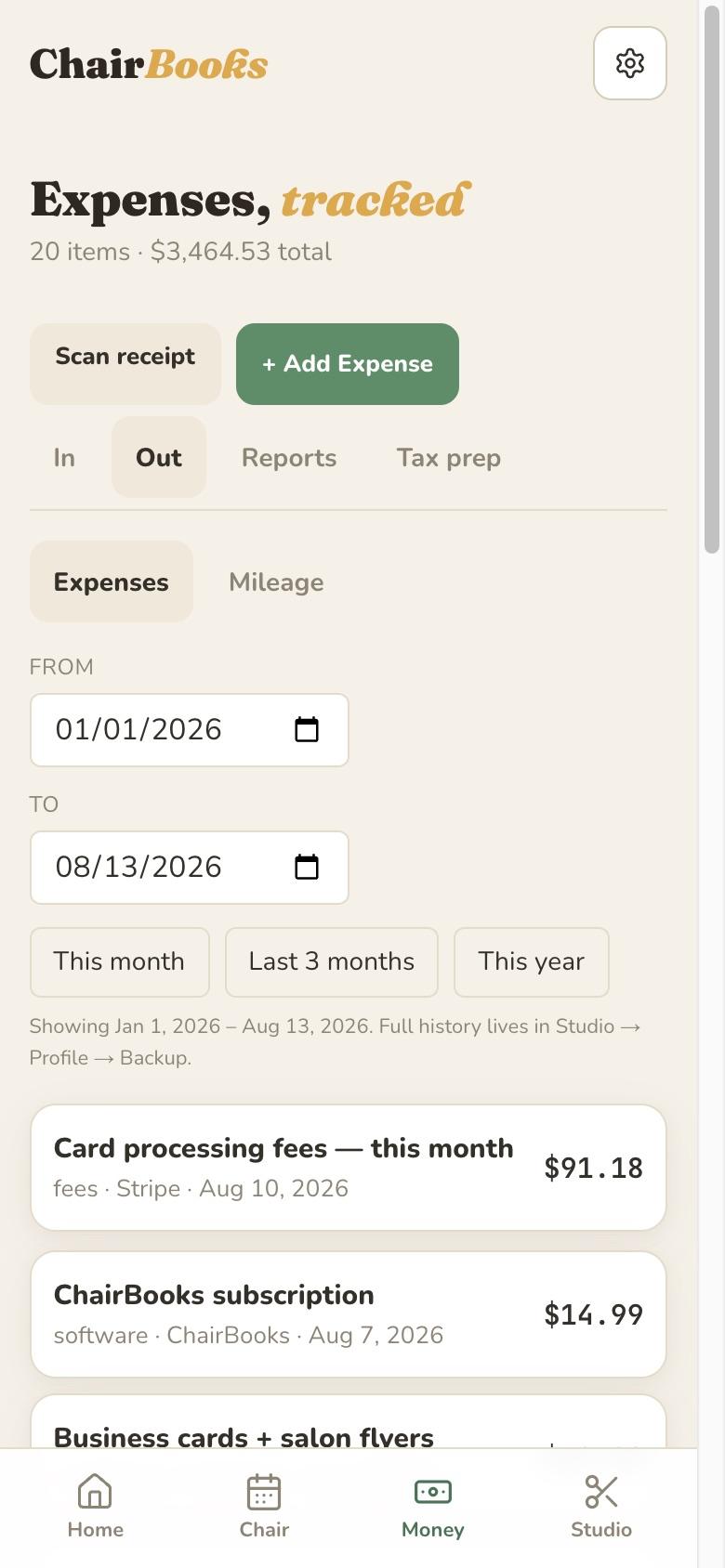
New transactions arrive on Money → Out on their own. Nothing to type in, nothing to remember at the end of the month.
Each transaction arrives with a suggested category and the reason for it, learned from what you have confirmed before. Nothing counts toward your books until you say yes. Say “always file this vendor here” once and ChairBooks files that vendor for you from then on.
Small things, done right
Photograph a receipt on your phone. ChairBooks reads the vendor, date, and total off it into a new expense. You check it and save.
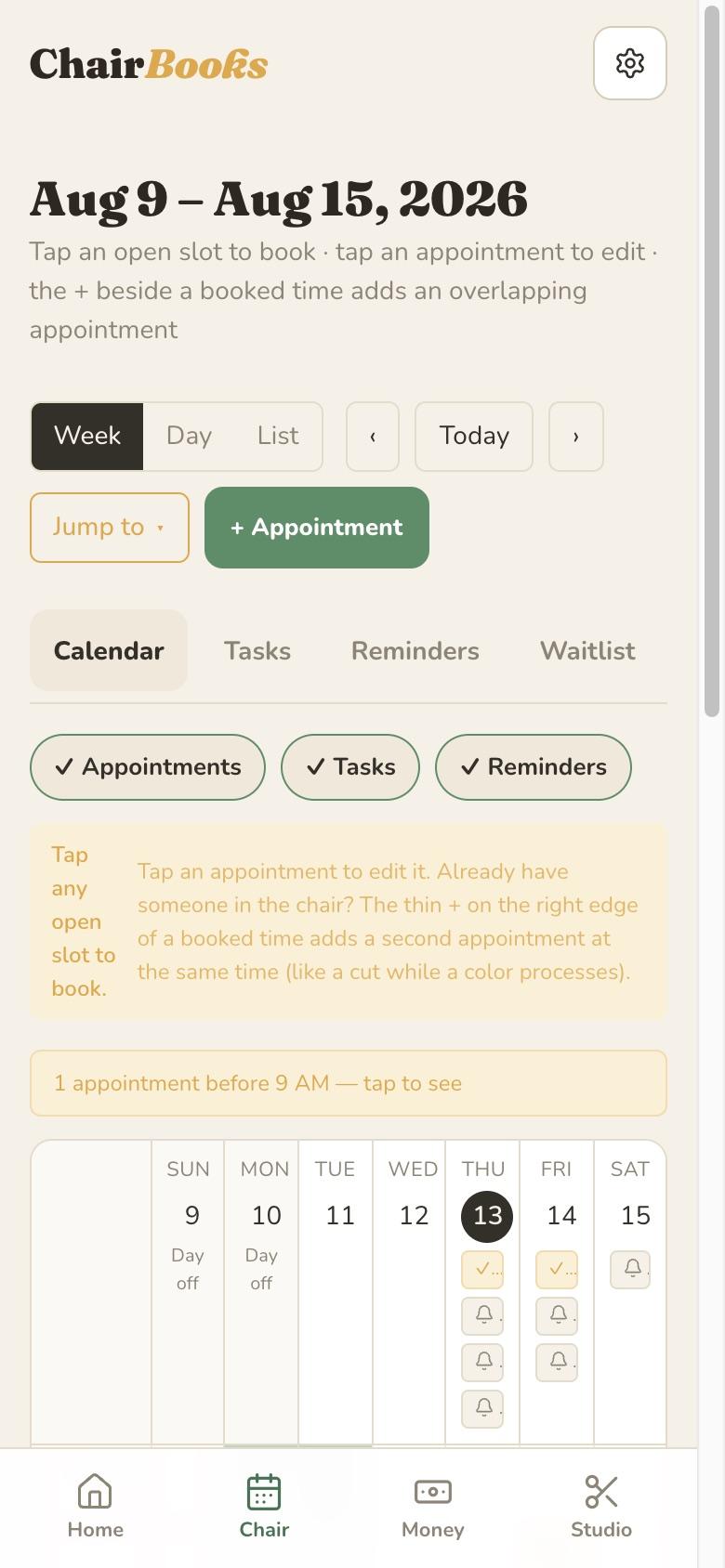
A 7 AM cut, when you open at nine, would fall off the top of the grid. Instead the day says “1 appointment before 9 AM — tap to see.”
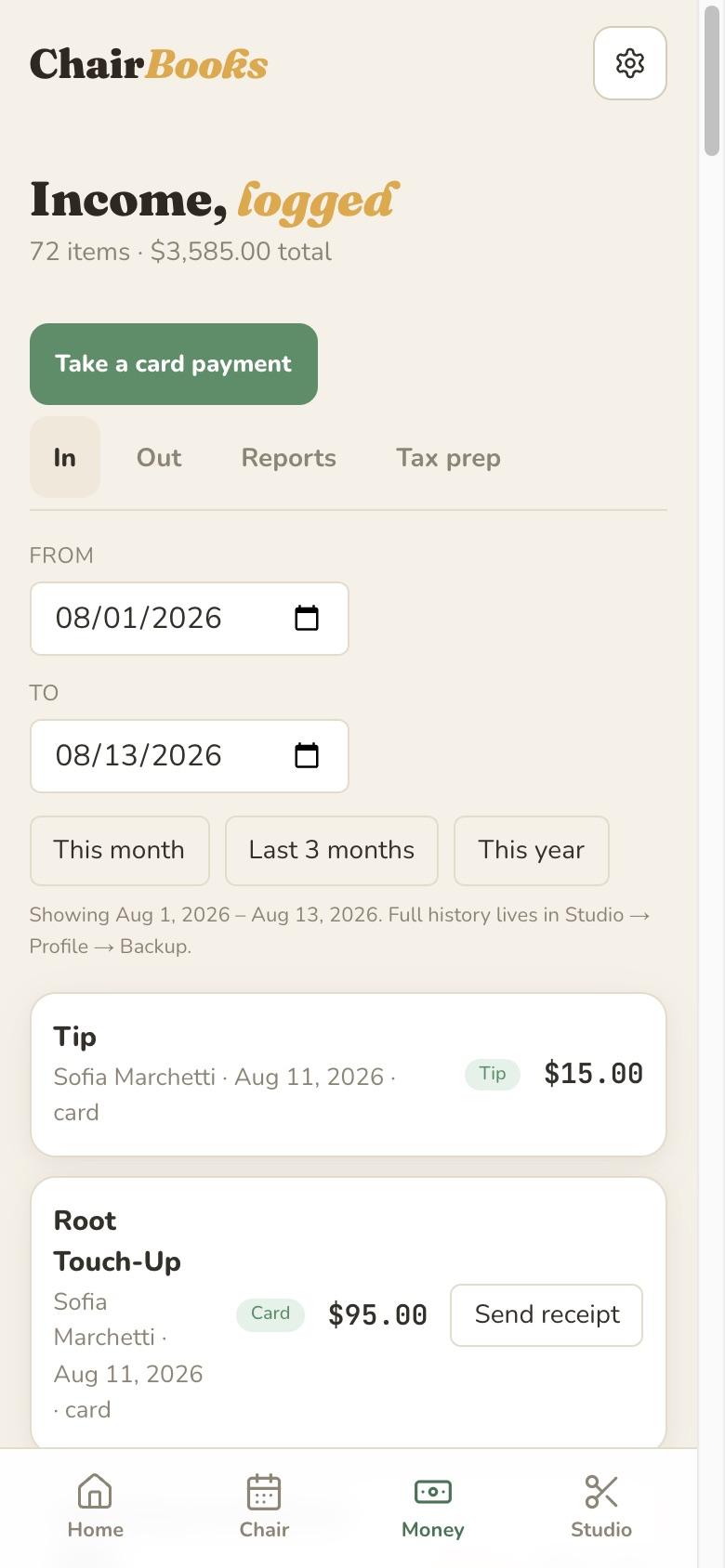
Send a client their receipt once the appointment is complete, or email an invoice for what’s owed. Both go out from the app.
Take the card at the chair.
Card payments run inside ChairBooks and pay out to your own bank account.
Enter the card on the checkout sheet. The payment and the receipt land on the appointment.
With a card saved, a missed visit can be charged as a no-show. You decide when.
Email an invoice with a pay link for what is owed. Every receipt and invoice you have sent is listed under Money.
Talk to it.
A few things ChairBooks drafts for you. It never saves anything until you do.
Say who you saw, what you did, the price and the tip. The checkout sheet fills in and you tap Complete.
Type “Maria, Tuesday at 2, balayage” and the appointment opens ready to save.
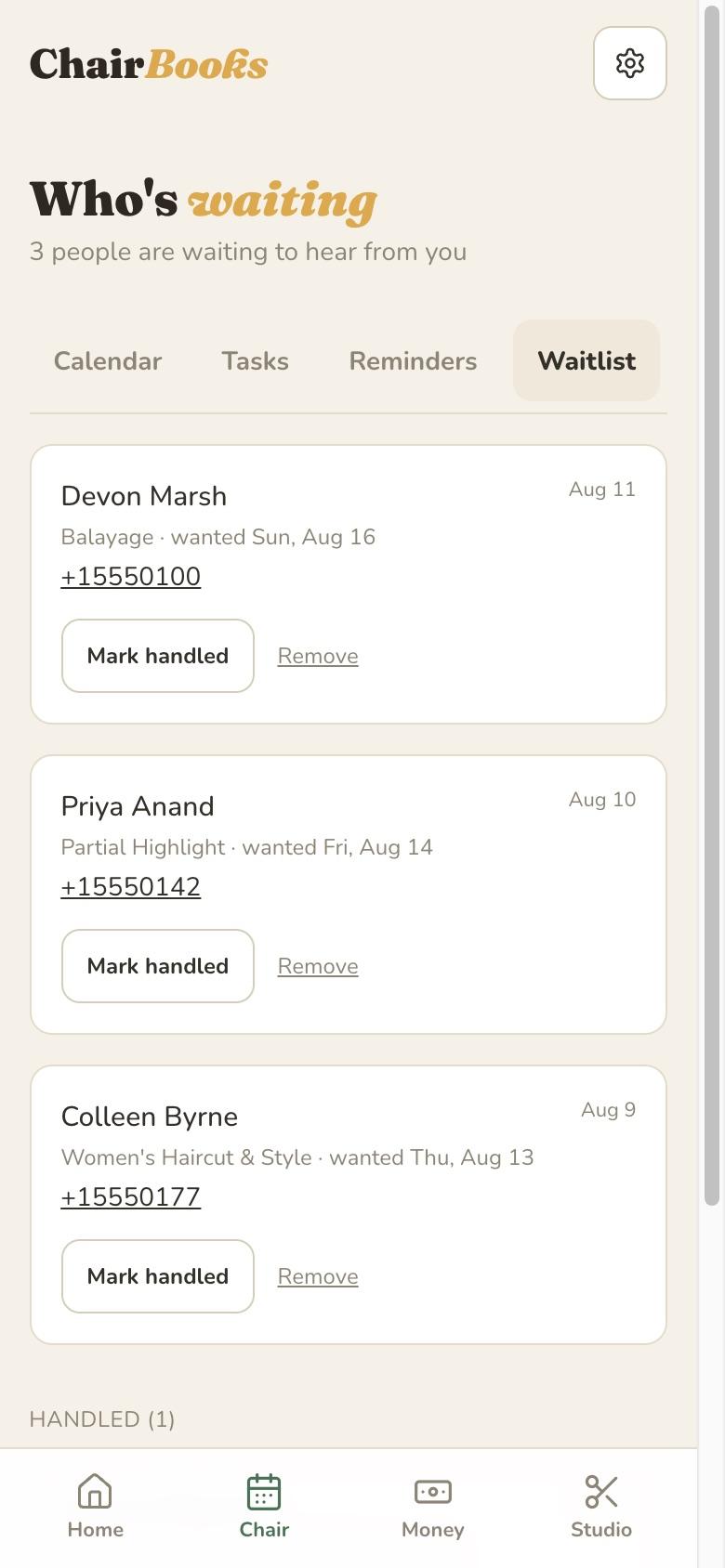
When a client cancels, the calendar shows who on your waitlist fits the slot and drafts the text to send.
Ask for formula ideas based on what is already on a client’s card, or a text to send that client. You edit, you send.
The app is on the App Store.
ChairBooks for iPhone and iPad. Sign up here on the web, then sign in on the app and everything is where you left it. Turn on notifications and the things you would otherwise miss reach your phone, with a morning digest of the day ahead.
Bring your clients with you. You send the list. We do the import.
Already running other software? Export your client list, or send us a spreadsheet, and we'll import it for you, free.
Whatever app you’re on now, or a spreadsheet. Any shape.
Clients, details, service history. A person checks it.
Set your services and prices. About ten minutes.
Free, on any plan, however long your list is.
The money questions, answered.
Bookkeeping for booth renters, what a hairstylist can write off, and quarterly estimated taxes, in plain words.